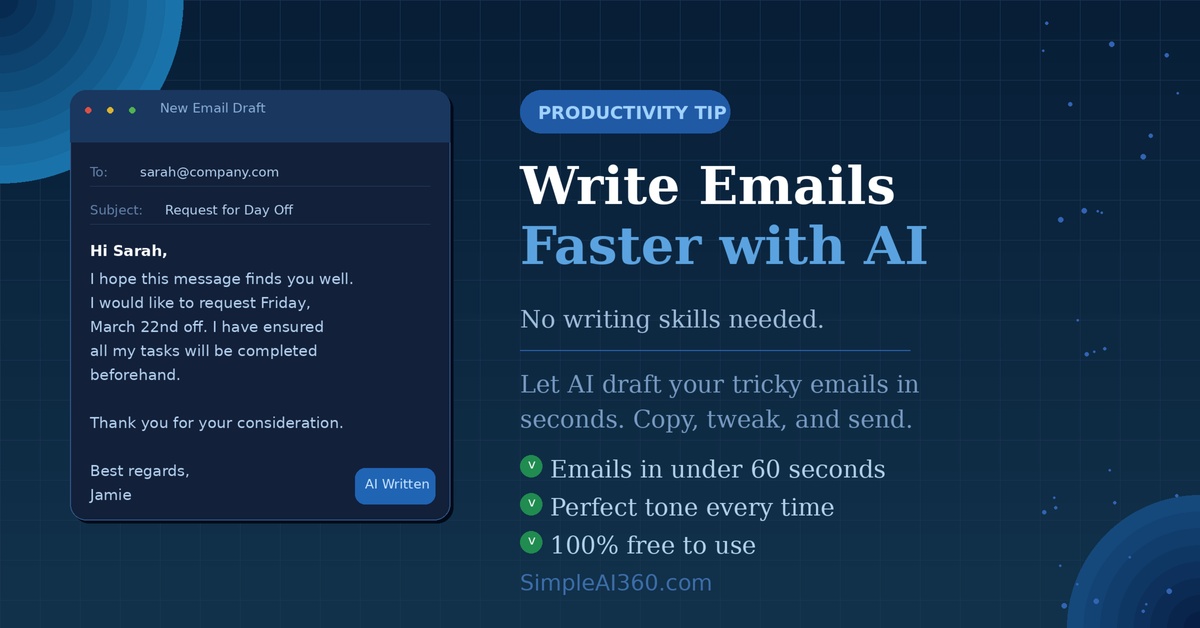
We all have those emails that are just hard to write. Maybe it’s a tricky message to your boss, a complaint to a company, or even just a simple follow-up you keep putting off.
AI can help with all of it — and it takes less than a minute. Here’s how.
Why Use AI for Emails?
Writing a good email takes more effort than most people realize. You have to think about the right tone, the right words, and making sure you don’t accidentally come across as rude or unclear.
AI tools like ChatGPT can do the heavy lifting for you. You just tell it what you want to say, and it writes a polished draft in seconds. You then read it, tweak it if needed, and send.
Here’s what that saves you:
- Staring at a blank screen trying to find the right words
- Worrying about sounding too formal or too casual
- Re-reading the same draft five times before hitting send
What You’ll Need
Just one free tool: ChatGPT. You don’t need to download anything or pay for anything. A free account is all it takes.
How to Write Any Email with AI: The Simple Method
The trick is giving ChatGPT enough context. Think of it like briefing a friend who’s going to write the email on your behalf. The more you tell it, the better the result.
Use this simple formula:
“Write a [type of email] to [who it’s going to] about [what it’s about]. The tone should be [tone]. Include [any specific details].”
Real Examples You Can Try Right Now
Example 1: Asking your boss for a day off
Type this into ChatGPT:
“Write a short, professional email to my manager asking for Friday off next week. I want to keep it polite and simple. My manager’s name is Sarah.”
ChatGPT will produce a ready-to-send email in seconds. You just swap in your real name and send.
Example 2: Complaining to a company (politely)
Type this into ChatGPT:
“Write a firm but polite complaint email to an online store. My order arrived damaged and I want a refund. Order number is 84921. I’ve been a customer for 2 years.”
The result will be confident, clear, and professional — much better than writing it when you’re frustrated.
Example 3: Following up on a job application
Type this into ChatGPT:
“Write a brief follow-up email to a company I applied to two weeks ago for a marketing assistant role. I want to express I’m still interested without sounding desperate.”
Nailing the tone on follow-up emails is notoriously hard. AI does it effortlessly.
Tips for Even Better Results
- Always tell it the tone — ‘friendly’, ‘professional’, ‘assertive’, ‘warm’ all produce very different emails.
- Ask for a shorter version if it’s too long — just type “make it shorter” and it will.
- Add your personality back in — AI drafts can feel slightly generic, so read it and swap any words that don’t sound like you.
- Use it for subject lines too — just ask “suggest 3 subject line options for this email.”
Other Emails AI Is Great For
- Thank you notes after interviews or meetings
- Declining an invitation without causing offense
- Asking a landlord or neighbor to fix something
- Negotiating a deadline or pushing back on a request at work
- Cancelling a subscription or service
Final Thoughts
You don’t need to be a great writer to send great emails. AI has made it so anyone can communicate clearly and confidently — it just takes a quick prompt and 30 seconds.
Give it a try with the next email you’ve been putting off. You’ll be surprised how easy it is.
New to AI? Read our beginner’s guide to ChatGPT to get set up in less than 5 minutes.

Leave a Reply