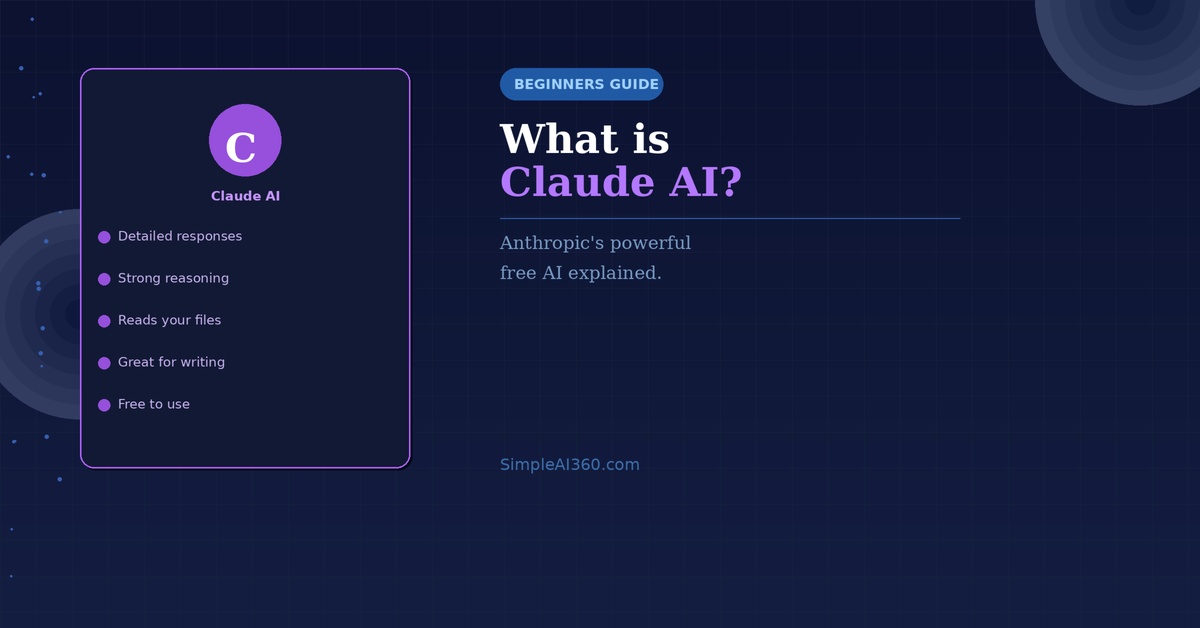
Most people have heard of ChatGPT. Fewer know about Claude — but they should. Claude is one of the most capable AI assistants available today, and it’s free to use.
Here’s everything a beginner needs to know.
What Is Claude?
Claude is an AI assistant made by a company called Anthropic. Like ChatGPT and Google Gemini, you can have a conversation with Claude — asking it questions, getting writing help, or working through problems together.
What makes Claude stand out is the quality and thoughtfulness of its responses. Many users find that Claude gives particularly thorough, well-reasoned answers — especially on complex or nuanced topics.
Is Claude Free?
Yes. Claude has a free plan at claude.ai that gives you access to the core features with no payment required. There is also a Claude Pro paid plan for users who need more usage or access to the most powerful version of the model.
How to Start Using Claude
- Go to claude.ai
- Click ‘Sign up’ and create a free account
- Start a new conversation and type your first message
That’s all there is to it. No downloads, no complex setup.
What Can You Use Claude For?
- Writing and editing — emails, essays, articles, reports
- Answering detailed questions on almost any topic
- Summarizing long documents you upload
- Analysing data or reviewing your work
- Brainstorming ideas and working through decisions
- Coding help for beginners and developers
Claude vs ChatGPT — What’s the Difference?
Both are excellent general-purpose AI assistants. Claude is particularly praised for:
- Longer, more detailed responses
- Strong analytical and reasoning ability
- A thoughtful, careful tone
- The ability to read and analyse uploaded files
ChatGPT is often preferred for its image generation features (with paid plan) and broader plugin ecosystem. The honest answer is that both are worth trying — many people use both depending on the task.
Tips for Getting Great Results with Claude
- Give it context — the more background you provide, the better the response
- Ask it to think step by step for complex problems
- Upload a document and ask it to summarize or analyse it
- Ask for multiple options: “Give me 3 different ways to approach this”
Final Thoughts
Claude is a powerful, free AI assistant that deserves a place in every beginner’s toolkit. Its thoughtful, detailed responses make it particularly valuable for learning, writing, and working through complex decisions.
Head to claude.ai and start your first conversation today — you might just find it becomes your favourite AI tool.
Enjoyed this guide? Browse more beginner-friendly AI guides at SimpleAI360.com.

Leave a Reply