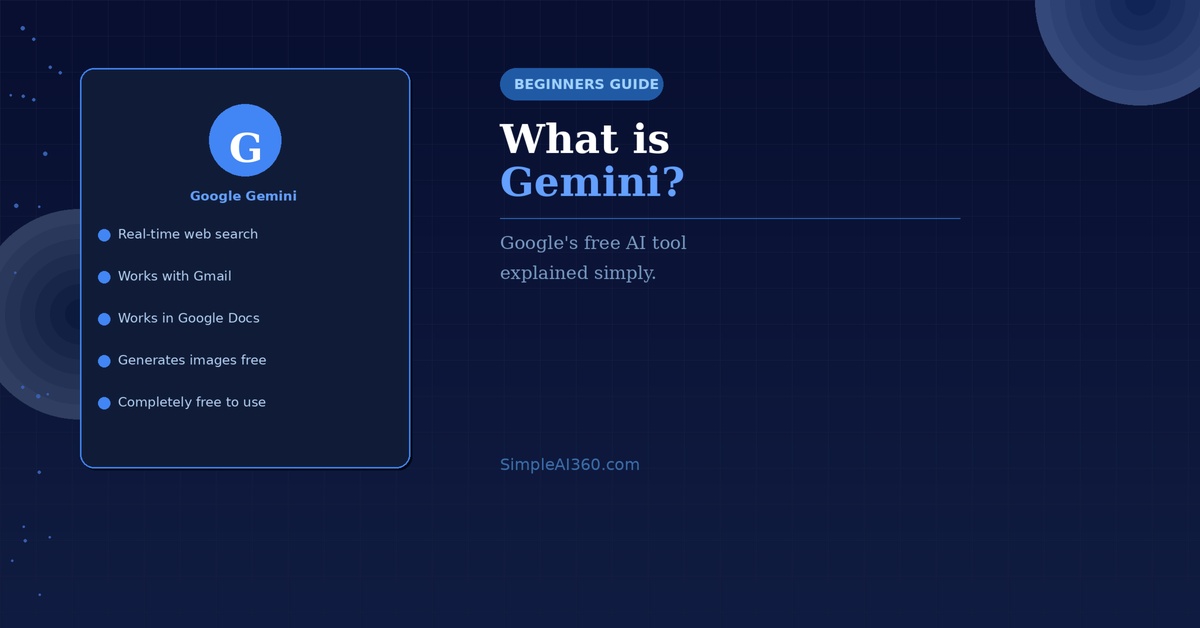
You’ve probably heard of ChatGPT — but Google has its own AI assistant called Gemini, and it’s just as powerful. If you’re already using Google every day, Gemini might actually be the better starting point for you.
Here’s everything you need to know.
What Is Google Gemini?
Google Gemini is an AI assistant made by Google. Like ChatGPT, you can have a conversation with it — asking questions, getting help with writing, or exploring any topic you’re curious about.
What makes Gemini different is that it’s built directly into Google’s world. It can search the web in real time, connect with Gmail, and work inside Google Docs — making it uniquely powerful for people already living inside Google’s apps.
Is Gemini Free?
Yes. The standard version of Google Gemini is completely free to use. There is a paid version called Gemini Advanced (part of Google One AI Premium) but the free version is excellent for everyday use.
How to Access Google Gemini
- Go to gemini.google.com
- Sign in with your Google account (the same one you use for Gmail)
- You’ll see a chat box — just start typing
That’s it. No downloads, no setup, no credit card.
What Can You Use Gemini For?
- Answering questions using real-time web search
- Writing and editing emails, messages, and documents
- Summarizing articles or web pages
- Planning trips, meals, or projects
- Getting help with math or science
- Generating images (on the free plan)
Gemini Inside Gmail and Google Docs
One of Gemini’s biggest advantages is its deep integration with Google’s apps. If you use Gmail, you’ll see a Gemini icon that can help you draft replies, summarize email threads, and write new messages from scratch.
Inside Google Docs, Gemini can help you write, rewrite, or expand your content without leaving the document.
Gemini vs ChatGPT — Which Should You Use?
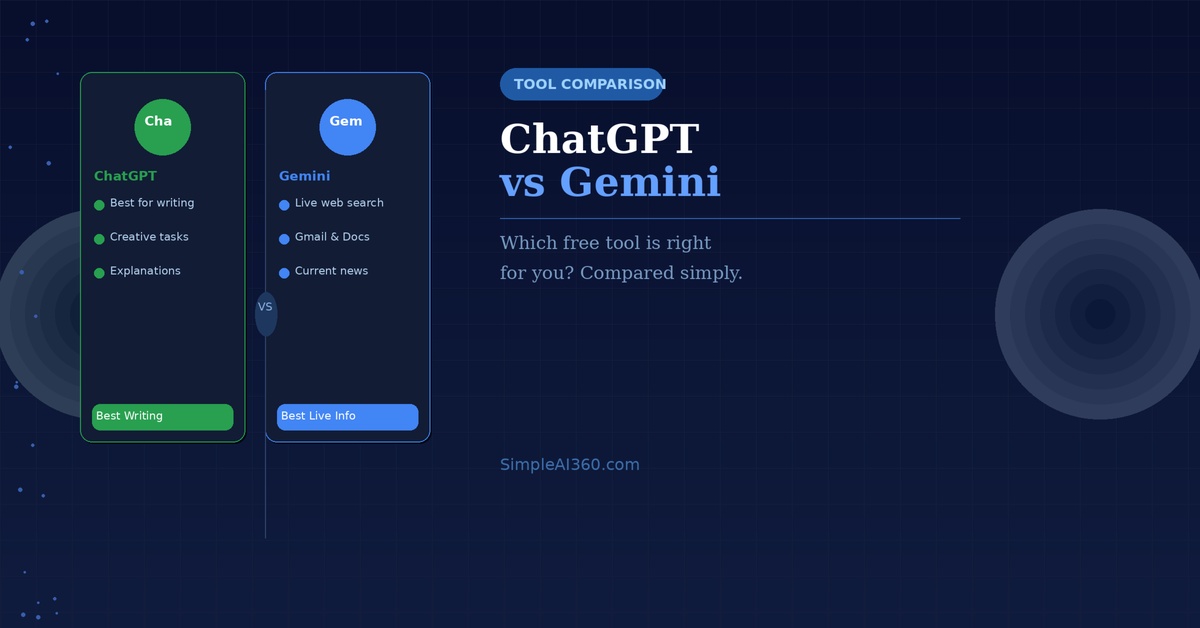
Both are excellent. The simple rule is: use Gemini if you rely heavily on Google apps or need current information from the web. Use ChatGPT if you want the best results for writing and creative tasks.
Many people use both — they complement each other well.
Tips for Getting the Best Results
- Be specific — the more detail you give, the better the response
- Ask follow-up questions to refine the answer
- Try: “Search the web and tell me about [topic]” for current results
- Try: “Help me write a reply to this email” and paste the email in
Final Thoughts
Google Gemini is a powerful, free AI assistant that’s especially useful if you’re already in the Google world. It takes minutes to set up and can start saving you time from the very first conversation.
Head to gemini.google.com and give it a try today.
Enjoyed this guide? Browse more beginner-friendly AI guides at SimpleAI360.com.

Leave a Reply