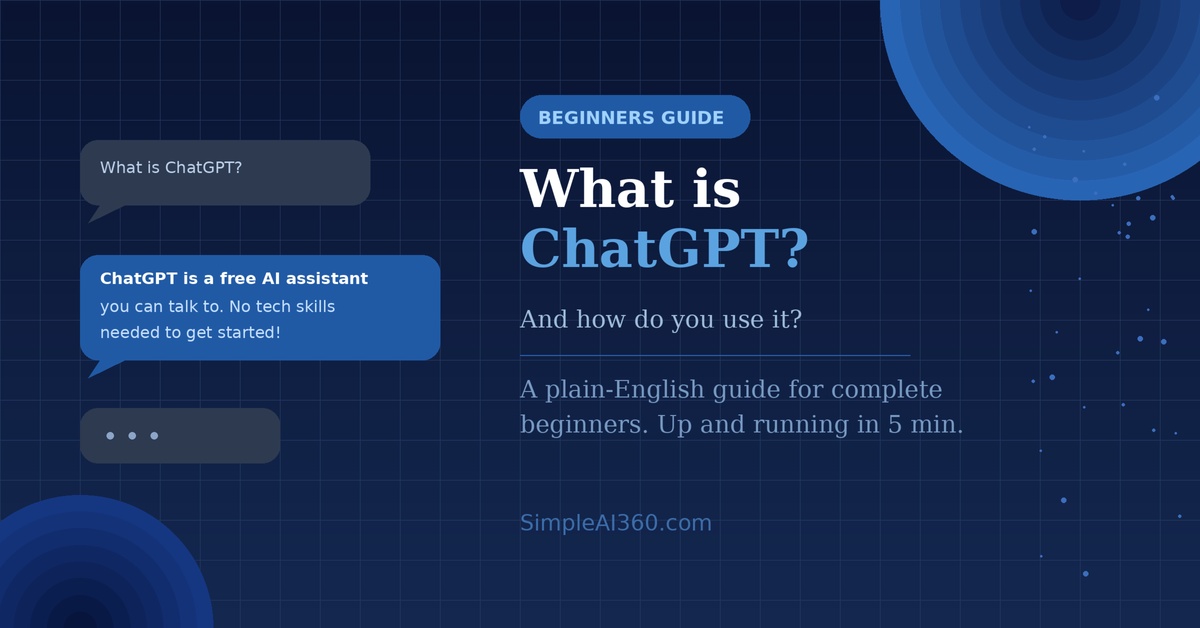
You’ve probably heard the name ChatGPT everywhere lately — on the news, from friends, maybe even at work. But if you’re still not quite sure what it actually is or how to use it, you’re not alone.
This guide will explain everything in plain English. No tech background required.
What Is ChatGPT?
ChatGPT is an AI assistant you can have a conversation with. You type a question or request, and it types back a helpful, human-like response — almost like texting a very knowledgeable friend.
It was created by a company called OpenAI and launched in late 2022. Since then, it has become one of the most popular tools on the internet, with hundreds of millions of people using it every day.
Here are just a few things people use it for:
- Writing emails, essays, and social media posts
- Answering questions on almost any topic
- Summarizing long articles or documents
- Brainstorming ideas
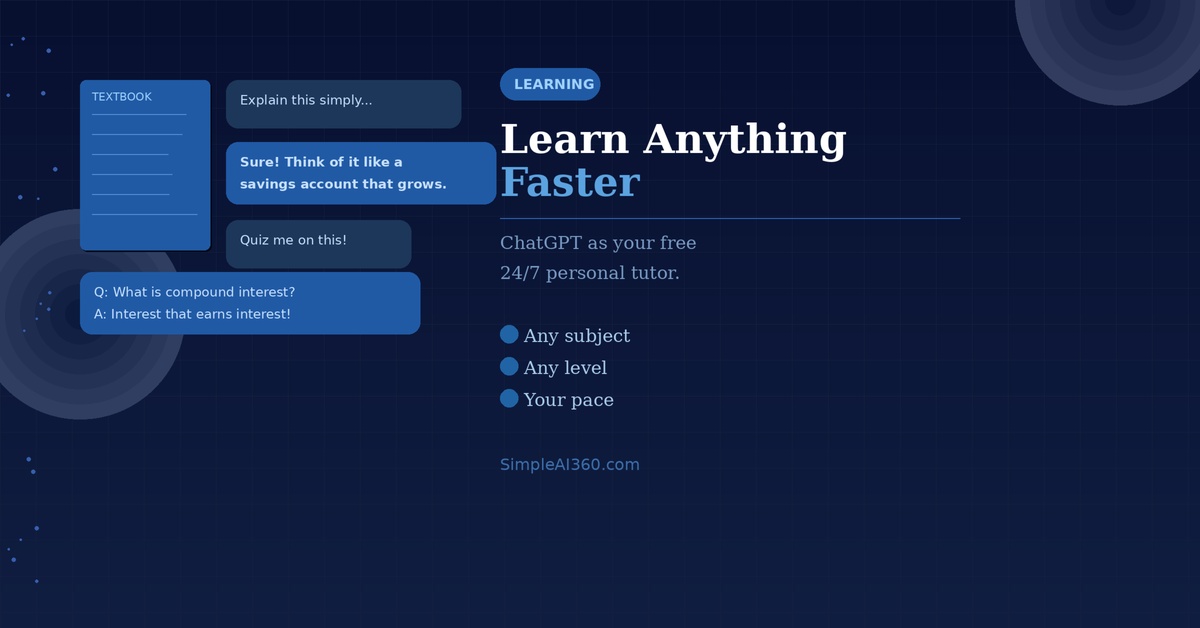
- Learning something new in simple terms
Think of it like Google — but instead of giving you a list of links, it actually talks you through the answer.
Is ChatGPT Free?
Yes! ChatGPT has a free version that is more than enough for beginners. There is also a paid plan called ChatGPT Plus (around $20/month) that gives you access to faster and more powerful features — but you absolutely do not need it to get started.
How to Use ChatGPT: Step by Step
Getting started takes less than 5 minutes. Here’s exactly what to do:
Step 1: Go to the website
Open your browser and go to chat.openai.com
Step 2: Create a free account
Click “Sign up” and register with your email address, or log in with a Google or Apple account.
Step 3: Start a new chat
Once you’re logged in, you’ll see a text box at the bottom of the screen that says “Message ChatGPT.” Click on it — this is where you type.
Step 4: Type your first message
Just write naturally, like you’re texting someone. For example:
- “Can you explain what inflation means in simple terms?”
- “Write a short thank-you email to my boss for a bonus.”
Then hit Enter (or click the arrow button) and watch it respond within seconds.
Step 5: Keep the conversation going
If the answer isn’t quite right, just reply and tell it. You can say things like:
- “Can you make that shorter?”
- “Explain it like I’m 10 years old.”
- “Give me 3 more examples.”
ChatGPT remembers your conversation as you go, so it gets better the more you guide it.
Tips for Getting the Best Results
The key to using ChatGPT well is being specific. The more detail you give it, the better the response.
Vague: “Help me write something.”
Specific: “Help me write a 3-sentence Instagram caption for a photo of my dog at the beach. Keep it fun and lighthearted.”
A few other tips:
- Don’t be afraid to experiment — there’s no wrong way to explore it
- Always double-check facts — ChatGPT can occasionally get things wrong
- Use it as a starting point — edit and personalize whatever it gives you
What Can’t ChatGPT Do?
It’s powerful, but it has limits:
- It doesn’t browse the internet in real time (unless you use a paid plan)
- It can make mistakes, especially with very recent events or specific numbers
- It doesn’t know anything personal about you unless you tell it
Final Thoughts
ChatGPT is one of the most useful free tools available right now, and you don’t need to be tech-savvy to benefit from it. Whether you want to save time, learn something new, or just satisfy your curiosity — it’s worth trying.
The best way to learn is simply to start. Open it up, type something, and see what happens. You might be surprised how quickly it becomes part of your daily routine.
Want to learn about more AI tools like this one? Browse the rest of the blog for simple, beginner-friendly guides — new posts every week

Leave a Reply