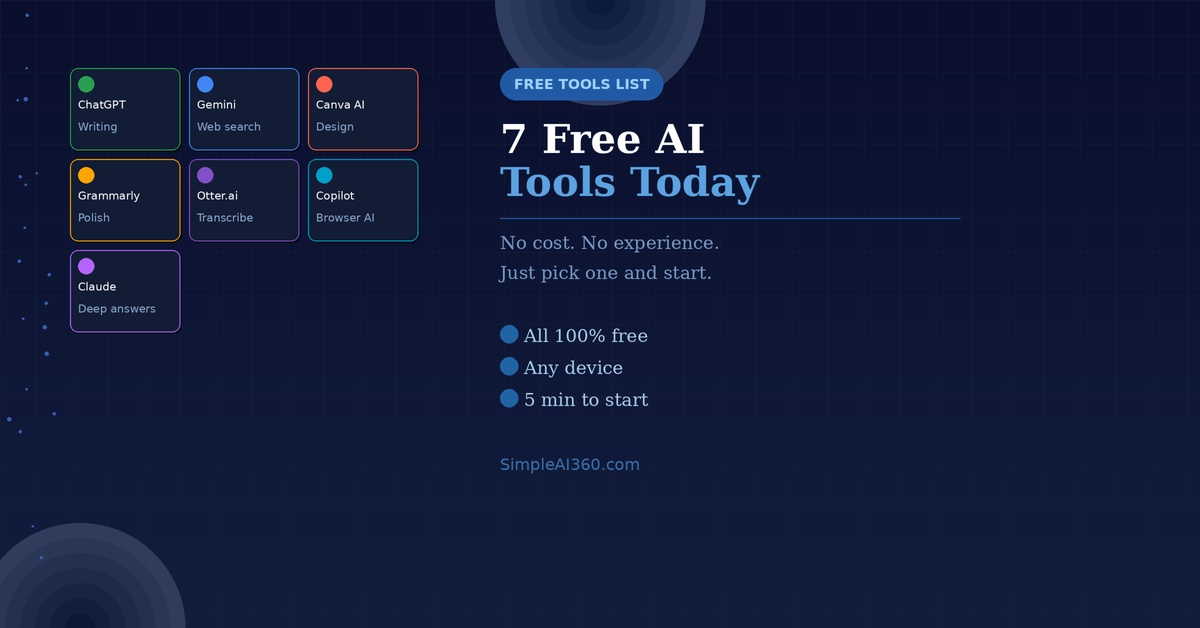
One of the best things about the AI revolution? Most of the best tools are completely free. You don’t need a subscription, a credit card, or any technical knowledge.
Here are 7 AI tools that are genuinely useful, totally beginner-friendly, and available right now at no cost.
1. ChatGPT — Your All-Purpose AI Assistant
Where to find it: chat.openai.com
ChatGPT is the most well-known AI tool for good reason. You can ask it almost anything — and it will type back a helpful, human-like response.
What you can use it for:
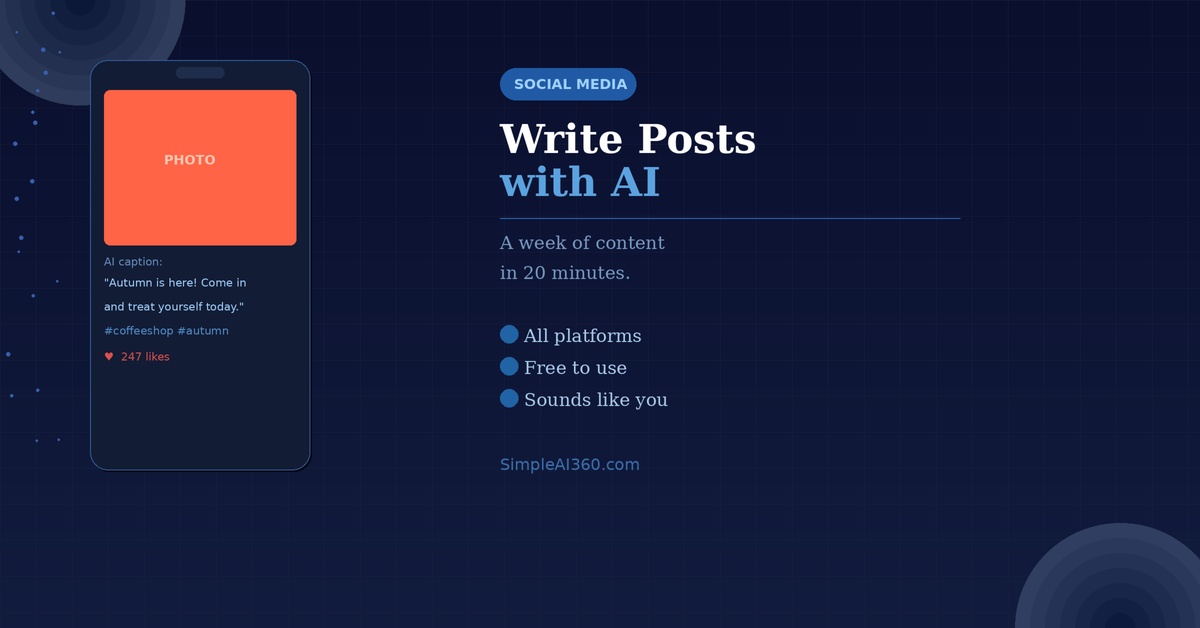
- Writing emails, letters, or social media posts
- Getting explanations for anything you don’t understand
- Brainstorming ideas for projects, gifts, or plans
- Summarizing long documents or articles
2. Google Gemini — AI That Searches the Web
Where to find it: gemini.google.com
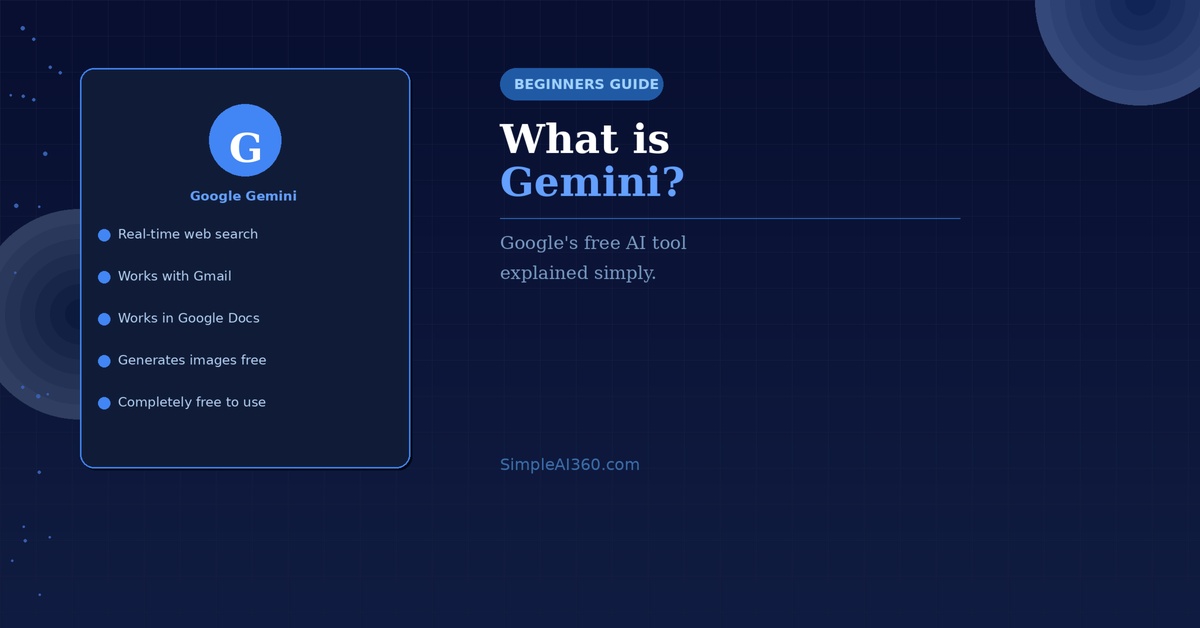
Google’s AI assistant is great for getting up-to-date answers. Unlike ChatGPT’s free version, Gemini can search the web in real time — useful if you want current information.
What you can use it for:
- Finding recent news or current events
- Researching a topic with live web results
- Helping inside Gmail and Google Docs (if you use them)
3. Canva AI — Design Without Being a Designer
Where to find it: canva.com
Canva has always been the go-to tool for easy graphic design, and now it has AI built right in. You can describe what you want to create and it will generate images, layouts, and designs for you.
What you can use it for:
- Creating social media graphics, posters, or flyers
- Generating AI images from a text description
- Removing backgrounds from photos automatically
4. Grammarly — AI That Improves Your Writing
Where to find it: grammarly.com
Grammarly checks your spelling and grammar, but the AI features go much further. It can rewrite awkward sentences, adjust your tone, and suggest clearer ways to express yourself.
What you can use it for:
- Correcting grammar and spelling in real time
- Making emails and messages sound more professional
- Checking the tone of what you’ve written before you send it
5. Otter.ai — AI That Transcribes Conversations
Where to find it: otter.ai
Otter listens to meetings, interviews, or voice notes and turns them into written text automatically. The free plan includes 300 minutes of transcription per month — more than enough for most people.
What you can use it for:
- Transcribing Zoom or Google Meet calls
- Recording voice notes and getting them as text
- Getting a written summary of a conversation
6. Microsoft Copilot — AI Built Into Your Browser
Where to find it: copilot.microsoft.com (or in Microsoft Edge browser)
Microsoft’s AI assistant is powered by the same technology as ChatGPT, but it’s built into Windows and Microsoft’s browser. It can also generate images for free using a feature called Designer.
What you can use it for:
- Answering questions while you browse the web
- Generating free AI images with Designer
- Summarizing web pages without reading the whole thing
7. Claude — A Thoughtful Alternative to ChatGPT
Where to find it: claude.ai
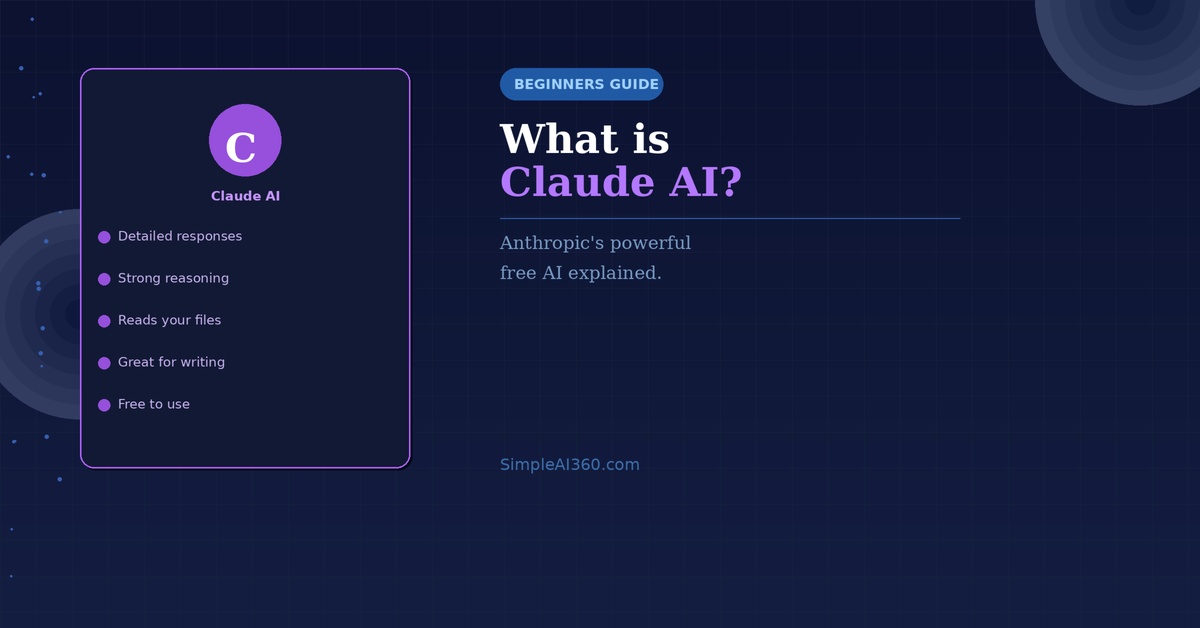
Claude is an AI assistant made by a company called Anthropic. Many users find it gives especially thorough and well-reasoned answers — particularly useful when you want a careful, detailed response rather than a quick one.
What you can use it for:
- Getting detailed explanations on any topic
- Writing longer documents like essays or reports
- Analysing and summarizing uploaded documents (free plan included)
Where to Start
If you’ve never used any of these before, start with just one. ChatGPT is the easiest entry point for most people. Spend a week getting comfortable with it, then explore the others when you’re ready.
You don’t need to use all seven — even one of these tools used regularly can genuinely save you time and make everyday tasks easier.
Ready to get started? Read our beginner’s guide to ChatGPT and be up and running in under 5 minutes.

Leave a Reply